UI controls · 486 KB
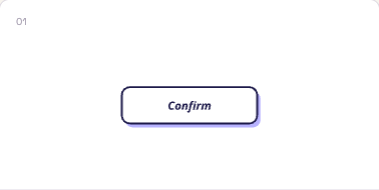
Impact button
Squash, a held impact frame, rolling smoke, and a big finish.
Customize, download & embed ↗FREE RIVE DOWNLOAD · UI CONTROLS
A compact Rive button animation with a light press, a quick rebound, and three small accent wedges. It suits supporting actions that need a little feedback.
Live Rive preview. Motion follows your reduced-motion preference.
Use sq-element with type set to secondary-button. Listen for sq-action and connect the application action yourself; call done() only when that action succeeds.
<script type="module" src="https://thesidequest.studio/elements/elements.js?v=20261128-library-rigging"></script>
<sq-element type="secondary-button"></sq-element>
Connect public properties through the view model, or use the web component’s attributes and methods. The integration guides explain embedding, dynamic text, accessibility, and self-hosting.
| Property | Meaning |
|---|---|
State machine / view model | Element |
label | Text label |
reducedMotion | true / false |
label | Editable label |
action | Increment to replay an effect |
The button compresses on press and springs back with a restrained wedge accent on activation. Drive pressed, label, disabled, and action through the Element view model; done is a separate application-controlled success state.
The web component supplies a real button with keyboard activation and a meaningful accessible label. It follows system reduced motion and retains the control's essential state without the rebound effects.
MORE IN THIS COLLECTION
UI controls · 486 KB
Squash, a held impact frame, rolling smoke, and a big finish.
Customize, download & embed ↗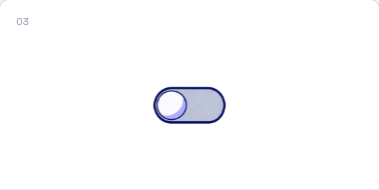
UI controls · 829 KB
The thumb stretches across the track and lands in a violet splash.
Customize, download & embed ↗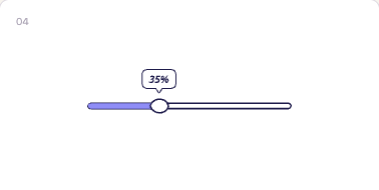
UI controls · 500 KB
A spring-loaded thumb trails clouds as you drag.
Customize, download & embed ↗