Motion objects · 487 KB
Flying cards
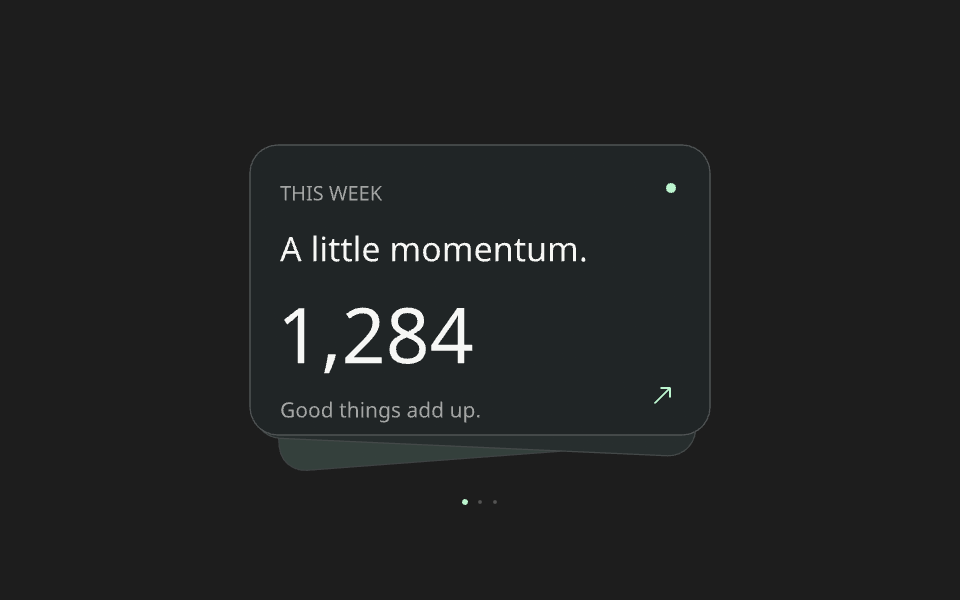
A weighted card leaves the stack with a flick, then a fresh card settles into place.
Customize, download & embed ↗FREE RIVE DOWNLOAD · MOTION OBJECTS
A black cat with amber eyes that follows your pointer, types with its paws, and clicks its mouse. Try it live, download the Rive file, or embed it on your site.
Type into the pad to try it. The pad keeps no typed text.
Use the web component with a typing pad, or omit the pad and call press(), tap(), clickMouse(), or lookAt() from your app. For private input send tap() and set the privacy attribute.
<script type="module" src="https://thesidequest.studio/elements/desk-cat.js?v=20261128-desk-cat"></script>
<sq-desk-cat preset="desk-cat" typing-pad></sq-desk-cat>
Connect public properties through the view model, or use the web component’s attributes and methods. The integration guides explain embedding, dynamic text, accessibility, and self-hosting.
| Property | Meaning |
|---|---|
Artboard / state machine | Desk Cat |
View model | DeskCat |
lookX, lookY | Pointer direction, −1 to 1 |
keyName, press | Supply a short label and increment press. The label string clears after use. |
privatePress | Increment to animate a tap without a key label |
mousePress | Increment to animate the mouse |
demo | Type occasionally while idle |
privacy | Hide key labels and individual key highlights |
eyesClosed | Close the eyes and use private taps |
reducedMotion | Keep the cat still with basic input feedback |
Move over the cat, type in the pad, or tap the illustrated keyboard and mouse. Paws only hides key labels and individual key highlights. Close eyes also closes the cat’s eyes. The pad responds while focused and discards text after each input.
The preview provides a focused typing pad and a keyboard-operable mouse button. Reduced motion keeps the cat still and shows the key or mouse response.
MORE IN THIS COLLECTION
Motion objects · 487 KB
A weighted card leaves the stack with a flick, then a fresh card settles into place.
Customize, download & embed ↗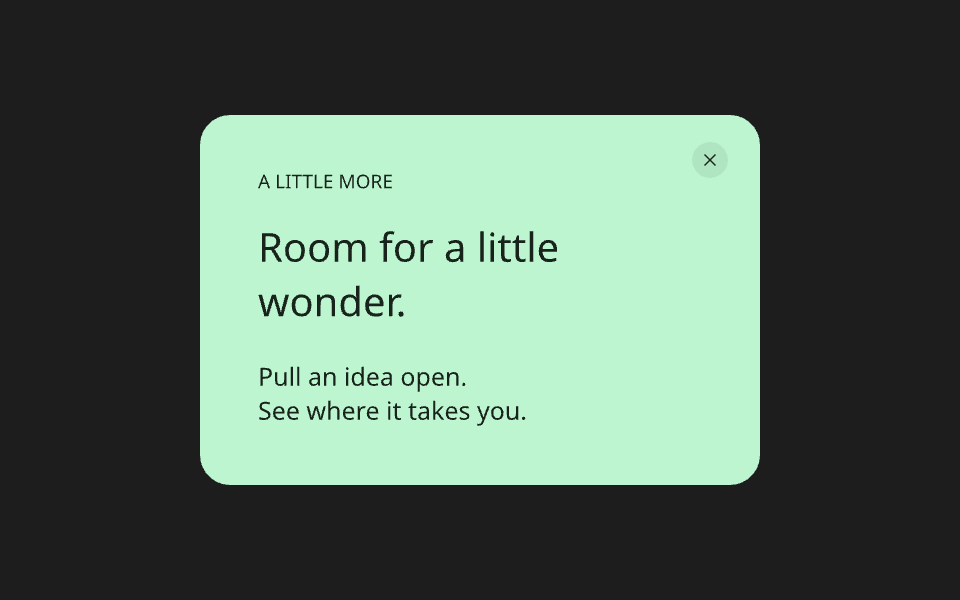
Motion objects · 485 KB
A small pill stretches into a soft panel, with content arriving just behind the surface.
Customize, download & embed ↗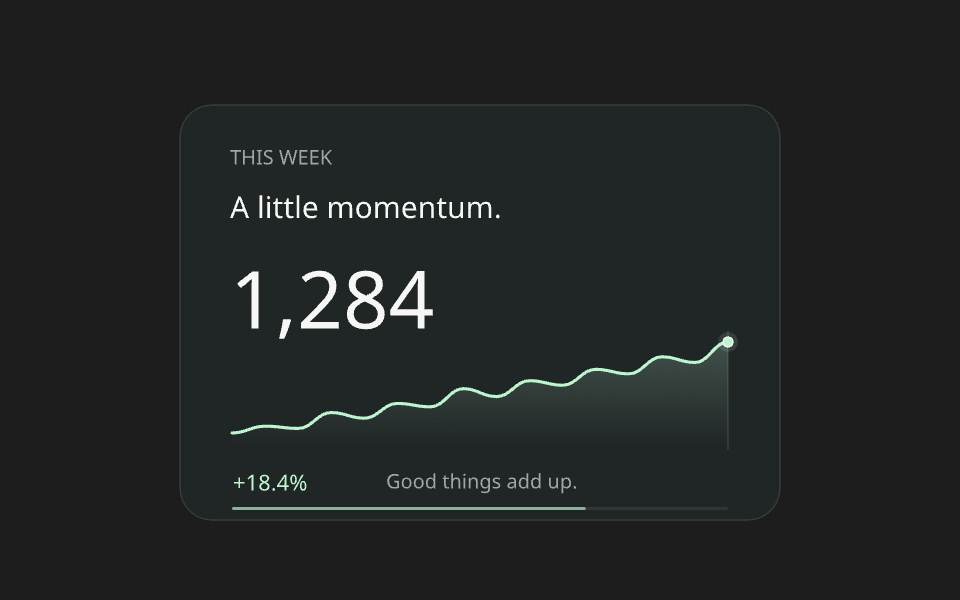
Motion objects · 484 KB
A counting value, a responsive line, and a draggable point turn numbers into something you can explore.
Customize, download & embed ↗